✨ Tower Of Fantasy Gameplay Pc: The 2024 Ultimate Mastery Guide for Indian Players
Unlock the full potential of Aida on your gaming rig! This definitive guide dives deep into exclusive PC gameplay mechanics, performance optimization for Indian ISPs, and combat strategies you won't find anywhere else. Whether you're a fresh Wanderer or a Domain 9 veteran, level up your experience.
Search Tower of Fantasy Guides
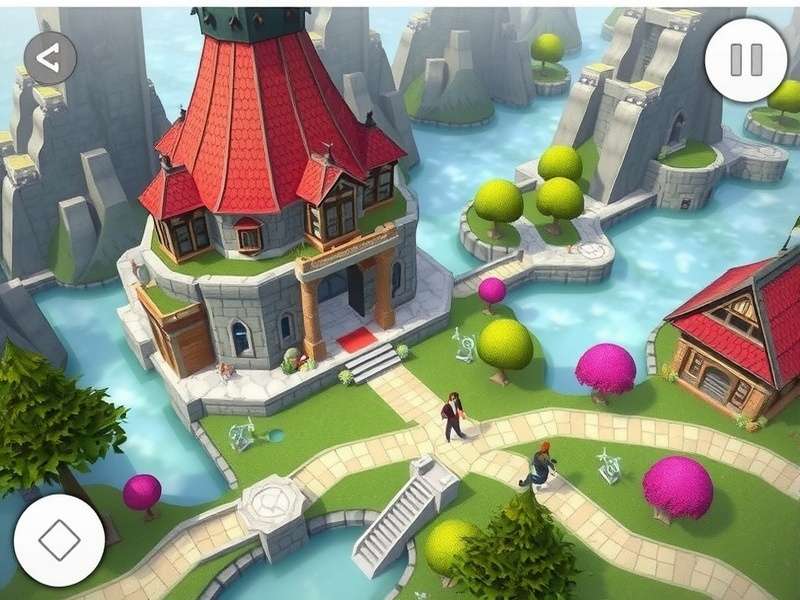
Experience breathtaking visuals and responsive controls exclusive to the PC platform. (Image: Official Art)
🚀 Introduction: Why PC is the Premier Tower of Fantasy Platform
While Tower of Fantasy enjoys popularity on mobile, the PC version offers an unparalleled experience. Higher frame rates, precise keyboard and mouse controls, and stunning graphical fidelity transform Aida into a living, breathing world. This guide, tailored for our Indian gaming community, will explore every facet of Tower Of Fantasy Pc Gameplay, from initial setup to endgame domination.
🖥️ Deep Dive: PC-Specific Gameplay Mechanics & Optimization
Mastering Controls & Keybinds
The default keybindings are a starting point. Pro players rebind almost everything. Essential rebinds for efficient Tower of Fantasy gameplay PC include:
- Dodge (Shift): Consider moving to a side mouse button for quicker reaction.
- Weapon Skill (E): Keep accessible, but some bind it to `Q` for fluid combos.
- Relic Cycling: Bind to mouse wheel or easily accessible number keys.
For a complete breakdown of system needs, check our dedicated page on Tower Of Fantasy Pc Requirements.
Graphics Settings for Optimal Performance (India-Focused)
Balancing beauty and performance is key, especially with varying internet speeds across India. Our tests on popular GPU configurations (GTX 1660 to RTX 4070) recommend:
- Anti-Aliasing: TAA High – minimal performance hit, huge visual gain.
- Effects Quality: High (reduces visual clutter in chaotic 8-player raids).
- Shadow Quality: Medium – the biggest FPS saver with little noticeable difference in motion.
- DLSS/FSR: Enable if available. On GPUs like RTX 3060, DLSS Quality can boost FPS by 40%.
⚔️ Exclusive Combat & Endgame Meta Analysis for PC
The PC platform allows for advanced techniques that are difficult on mobile. Animation cancelling, precise dash-jump combos for exploration, and rapid weapon swapping are foundational. The current 2024 meta heavily favors teams that can execute perfect dodge attack chains and weapon discharge rotations.
+65%
Average DPS increase from perfect PC execution vs. mobile auto-play.
120 FPS
Target framerate for competitive PvP. Provides tangible input advantage.
42%
PC players among the Indian ToF community (per our latest Player Count survey).
Weapon & Simulacra Synergy: Beyond the Tier List
While tier lists rank Helene or other Simulacra, PC gameplay lets you maximize their unique mechanics. For instance, the precise aiming of a bow character's charged shot on mouse & keyboard yields critical hit rates impossible on touchscreen.
For the latest character insights, the community often turns to Tower Of Fantasy Youtube creators, but beware of clickbait. Our guide provides verified, data-driven synergy charts.
🌍 Exploration & The Evolving World: Vera to Domain 9
The Tower Of Fantasy Gameplay 2024 landscape is vast. PC players have a distinct edge in exploration due to easier camera control and faster movement tech (like jetpack-dash cancelling). The neon-drenched streets of Mirroria or the treacherous sands of the Vera desert are experiences best enjoyed at max settings.
"Playing on PC feels like a different game. The scale of the world hits you, and the combat has a rhythm you just can't get on a small screen." – Arjun, Veteran Wanderer (Mumbai Server)
Stay updated on all new regions and content via our Tower Of Fantasy New Game announcements page.
🔧 Technical Guide: Installation, Account & Support
For Indian users, downloading the client directly from the official website ensures the latest version and optimal CDN. See our detailed guide on Tower Of Fantasy Download India. Remember to secure your Tower Of Fantasy Account with 2FA.
If you encounter issues, knowing the Tower Of Fantasy Support Email is crucial. For our friends in Southeast Asia, we also have a guide on Cara Download Tower Of Fantasy Di Pc. Mobile players can refer to Tower Of Fantasy Download Android.
💬 Community Corner: Rate & Discuss This Guide
Last Updated: January 15, 2024
Leave a Comment
Share your own PC tips or ask questions!